Creator
YouTube producer
A long-form idea needs a strong opening frame, channel cutdowns, and visual continuity before publishing.
media io for youtube helps turn one episode direction into a repeatable visual package.
Use cases / visual workflows
These media io examples show how one brief can become a useful visual asset for a channel, campaign, lesson, story, or track without scattering the creative process across disconnected tools.
Start creating for free01 / The brief
Most creative work does not fail because the idea is weak. It slows down when the same idea has to be rewritten for every format, rebuilt for every channel, and translated again before anyone can review it. A useful Media.io workflow keeps the source thought visible while you explore scenes, motion, sound, and edits.
Creator
A long-form idea needs a strong opening frame, channel cutdowns, and visual continuity before publishing.
media io for youtube helps turn one episode direction into a repeatable visual package.
Social
A trend moves quickly, so the creator needs variations that preserve the hook while changing the look and pacing.
media io for tiktok gives the idea a vertical-first shape for fast iteration.
Marketing
A product brief must become a hook, a scene, a creator voice, and several versions without losing the product's role.
A media io ai video generator workflow keeps those campaign routes together.
Music
A track has emotion and rhythm, but needs visual movement that can work as a clip, teaser, or looping cover.
An audio to video workflow gives the sound a visual starting point.
Planning
A small team needs a practical way to explore directions before committing time to a polished production pass.
Browse media io ideas for prompts that can become useful creative starting points.
02 / Transformation
The strongest Media.io examples begin with a small input and make the next decision obvious. Start with a written scene or product angle, develop a visual direction, then shape it for the place where people will see it.
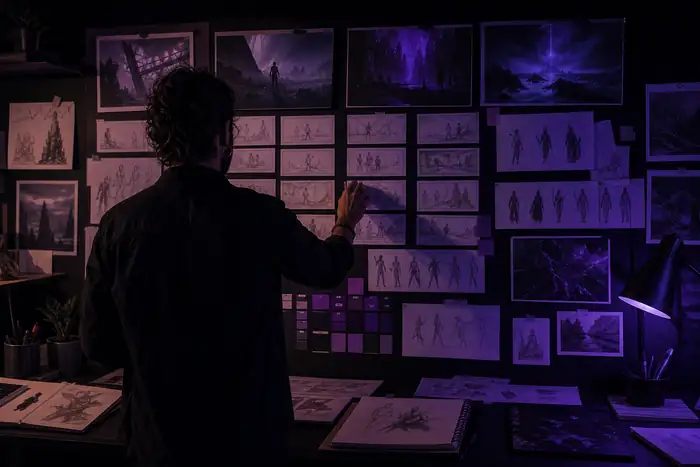
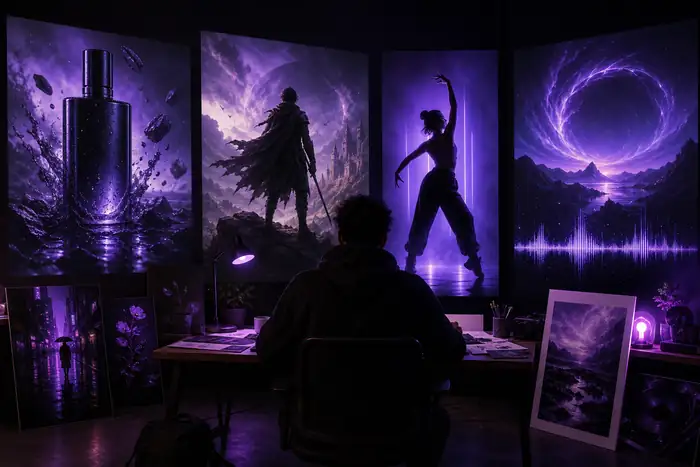
Use text-to-video when the visual world is still forming, move to image to video when a frame already carries the idea, and use a video editor when the raw material needs structure, timing, and polish.
Describe the subject, mood, lens, movement, and audience. Generate several directions before selecting a frame to carry forward.
Use a reference image to test camera movement, subject action, transitions, and the pacing that best fits the message.
Trim the strongest moment, add sound or captions, and adapt the same direction into a channel-ready deliverable.
03 / Planning estimate
Use this simple calculator to visualize the difference between a single finished asset and a small set of practical variations. It is a planning estimate, not a promise of export size or production cost.
Formula: each source moment represents an 18 MB working asset, $6.50 of planning value, and 22 minutes saved by reusing the same creative direction.
04 / Format evolution
These milestones explain why current Media.io examples often move between stills, motion, sound, and channel formats instead of treating each asset as a separate project.
Creators began treating one strong image as the first scene in a broader visual sequence.
Image-to-video workflows made camera movement and atmosphere part of early concept testing.
Vertical, landscape, social, and long-form outputs started influencing the first prompt.
The practical goal is not more drafts. It is a clearer route from the first spark to the useful final asset.
05 / Guardrails
Good Media.io examples are specific about ownership, audience, and intended use. Decide what can be uploaded, what needs permission, and which platform requirements apply before you publish.
06 / Keep exploring
The right workflow depends on the input you already have and the audience you want to reach. Start narrow, then build outward from the strongest result.
Begin with a short scene, a product moment, a visualizer, or a three-shot social concept. Each gives you a clear input and a visible output without requiring a large production plan.
Yes. Keep the subject and creative intent consistent while changing framing, duration, pacing, captions, and sound for each destination.
It is useful when the still already establishes the subject, styling, or composition and you want to explore movement without rebuilding the frame from scratch.
Judge whether the result communicates the intended mood, subject, and action first. Polish details after the direction is strong enough to keep.
A clearer creative pass
Media.io gives a rough idea somewhere to go, whether the destination is a channel, campaign, lesson, story, or sound-led visual.