Story creators
Describe a character entrance, location or emotional beat to test the visual language before planning the full sequence.
Explore media io image to videoInput / output variant
Turn a written direction into a first moving draft. This text-to-video workflow gives a prompt a visual setting, pacing and a usable next pass without asking you to begin with a blank timeline.
Start creating for freeWhat this variant is
Text-to-video starts with language rather than an uploaded frame. Describe the subject, setting, action and mood, then use the generated clip as a direction to refine. It is most useful when the first challenge is imagining the shot, not polishing an existing asset.
| Attribute | Input | Output |
|---|---|---|
| Starting material | Written scene direction | Generated moving clip |
| Best for | New concepts and story beats | A visual draft to evaluate |
| Visual control | Subject, action, mood and framing | Motion and atmosphere |
| Reference image required | No | Optional |
| Iteration style | Rewrite and narrow the prompt | Compare, trim and refine |
| Primary creative role | Director's brief | First visual treatment |
| Timeline editing | Not the starting point | Continue in an editor |
Why A → B
The useful change is not simply text becoming pixels. A clear prompt becomes a moving reference that exposes pacing, camera energy and visual tone early. If the scene should begin from a still image, the media io image to video route is a better A; if the rhythm begins with a track, use media io audio to video instead.
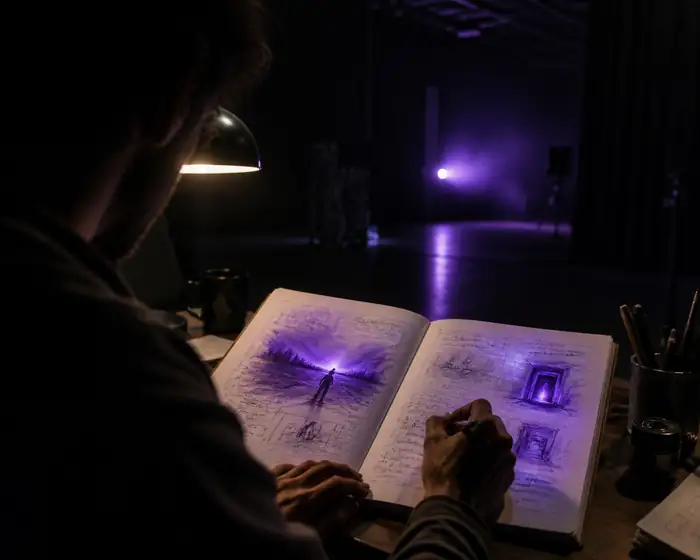
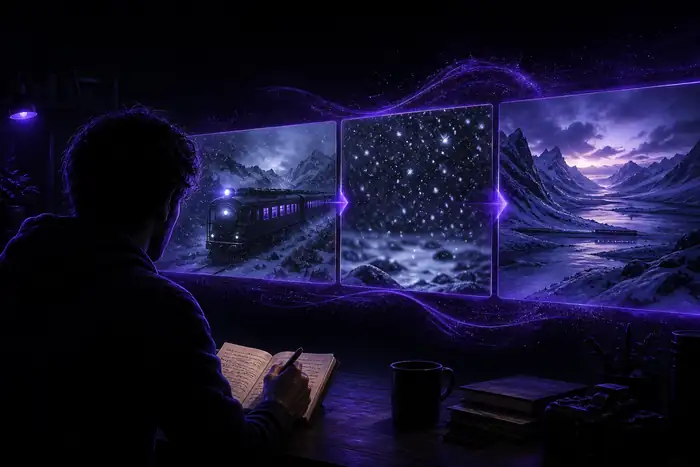
Treat the first result as a visual conversation starter. Keep the strongest composition, then adjust the prompt around the one detail that matters most.
The tool block
Use the same text-to-video foundation for different kinds of work. The prompt changes; the creative handoff stays familiar.
Describe a character entrance, location or emotional beat to test the visual language before planning the full sequence.
Explore media io image to videoWrite the mood, movement and color of a track, then turn the strongest visual idea into a scene-led music piece.
Explore media io audio to videoGenerate quick hooks, transitions and scene variants when a social concept needs motion before the final edit.
Explore media io video to videoTry several product settings and narrative hooks from one brief before choosing the direction worth polishing.
Start a prompt-led draftProduction flow
The table above is most useful when it becomes a repeatable text-to-video routine. Keep each pass focused so the prompt does not ask for every decision at once.
Name the subject, action, environment, camera feel and light. One strong scene is more useful than a crowded paragraph.
Check whether the action reads, the subject stays coherent and the pace matches the intention before adding detail.
Change framing, mood or movement separately. This makes each new text-to-video result easier to compare.
Honest caveats
Text-to-video is fast at opening a visual direction, but it is not a substitute for every kind of control. Knowing the edges helps you choose the next move.
A recurring character or product may shift between generations, especially when the prompt changes many details.
Workaround: keep a concise identity description and move to a reference-led workflow when consistency matters most.
A generated clip gives you a moving draft, not frame-by-frame editorial control over every beat.
Workaround: use the result as a source clip, then make precise timing changes in a video editor.
Multiple interacting subjects, readable text and intricate object actions can require several attempts.
Workaround: simplify the action, shorten the shot and build the sequence from separate clips.
Format evolution
The format has moved from novelty clips toward a more practical role: rapid visual development before a creator commits to a longer production.
Creators begin using written descriptions to test cinematic ideas before opening a conventional editing timeline.
The strongest value shifts from spectacle to iteration: compare scenes, select a direction and develop the next pass.
Text-to-video sits alongside image, audio and video transformations so a single idea can change formats without losing direction.
The most useful output is not always the final clip. It can be the shared visual reference that lets a team decide what to make next.
Questions for this format