It cannot replace taste.
Generated options may be useful, but the strongest result still depends on a clear point of view and a human final pass.
Fix: define the audience and keep only the work that serves it.
Definition / Media.io
If you have searched what is media io, the short answer is this: Media.io is an online creative platform that helps turn prompts, images, audio and rough ideas into finished visual content.
One-line definition
Media.io brings AI video, image, audio and editing workflows into one browser-based workspace. Instead of treating every asset as a separate project, you can begin with a direction, explore a visual frame, add motion or sound, and refine the result as the idea becomes clearer.
Use a prompt, upload an asset or bring in a sound cue so the creative task has a clear first signal.
Test framing, style, movement, voice and format while keeping the strongest creative direction in view.
Choose the best output, edit the details and prepare a video, image, ad, lesson or music visual for its audience.
How it works
A typical project starts with an input and ends with a more deliberate piece of media. You might turn text into a scene, animate a still image, generate a music-led visual or edit several clips into one clear story. The useful distinction is that AI handles the repetitive first pass while you decide what deserves another pass.
For a visual-first project, the Media.io AI video generator can be the starting point. If the mood matters more than motion, the Media.io image generator offers a frame to develop before editing.
Capability, with context
Media.io is strongest when you have a creative direction but need help developing options quickly. It can accelerate ideation and production, but it does not replace judgment, art direction or a final quality check.
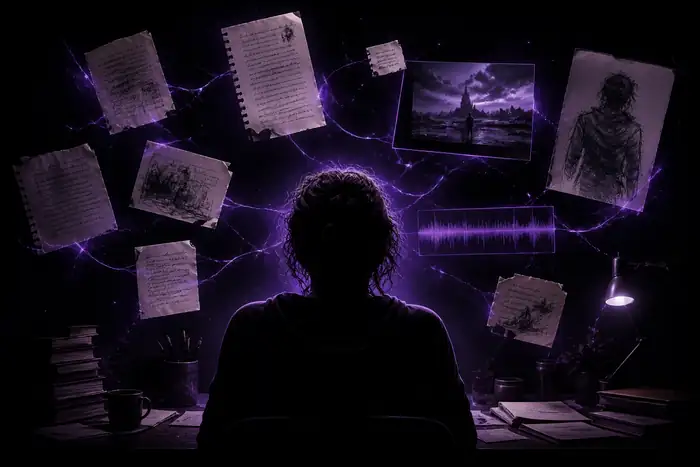
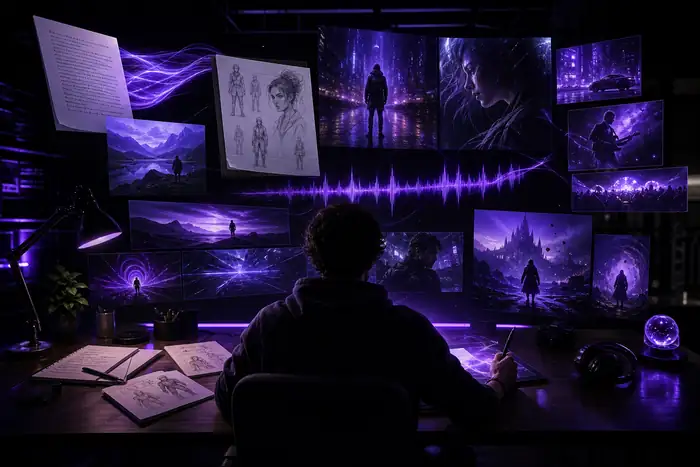
The pair shows the central promise: move from a loose input to a more usable direction. The result still benefits from human choices about pacing, composition, language, rights and audience.
Who uses it?
The format has expanded as different people have found different reasons to work visually: creators need faster experiments, marketers need more variants, educators need clearer explanations, and musicians need a way to make sound visible.
Solo creators use short descriptions to test scenes, characters, moods and visual hooks before making a full piece.
Images, products and reference frames become useful anchors for motion, ads, social clips and campaign directions.
Writers, educators and entertainment teams look for continuity across scenes, voice, pacing and recurring visual language.
Musicians and visual artists connect tracks with color, movement and scenes that give an audio idea a visible shape.
Its own FAQ
These answers cover the practical questions people usually ask before trying the platform, including what it is for, what it needs and where its limits appear.
Generated options may be useful, but the strongest result still depends on a clear point of view and a human final pass.
Fix: define the audience and keep only the work that serves it.
Your prompts, uploads, voices, music and references still need appropriate permissions for the way you plan to use them.
Fix: review ownership, consent and platform rules before publishing.
Small details such as hands, text, continuity and timing can need several attempts or conventional editing.
Fix: treat generation as exploration, then edit toward a specific outcome.