Creator
The short-form producer
A hook, reference clip or rough script becomes several visual openings for a reel, short or vertical story.
See media io examplesUse cases / creative planning
Media io ideas become more useful when they connect to the work already on your desk. Use one prompt, asset or track to explore video, image, campaign and music directions without losing the original creative thread.
C6 / use-case grid
Different creators arrive with different inputs, but the useful pattern is similar: begin with something familiar, develop a few strong directions, then shape the one that deserves a final pass.
A hook, reference clip or rough script becomes several visual openings for a reel, short or vertical story.
See media io examplesA product photo and a concise brief can expand into creator-style hooks, product scenes and social-ready variants.
Browse campaign examplesA lesson outline can become a presenter direction, animated visual note or focused sequence that gives a difficult idea a shape.
Explore teaching examplesA track, cover image or emotional cue can guide a visualizer, lyric treatment or scene-led music clip.
Build from a music directionCharacter notes and a setting prompt can become a visual language for episodes, scenes or a recurring digital persona.
Find story-led examplesC11 / format evolution
The modern content pipeline is not one straight line. It loops between discovery, testing and polish. Media.io fits at the exploratory middle, where a loose direction needs enough shape to become a useful next decision.
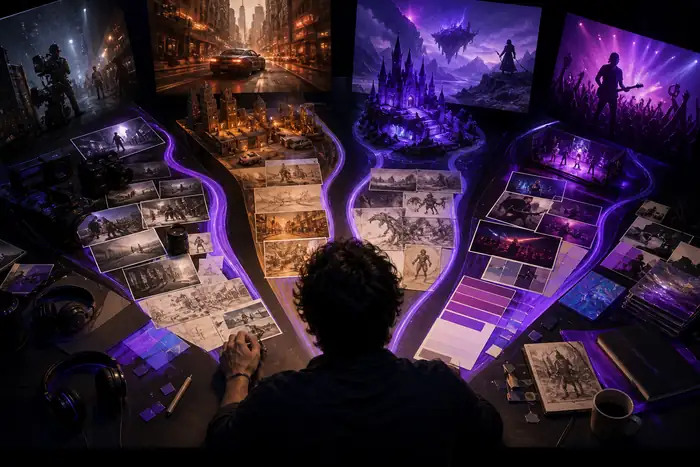 Pipeline / live pass
From loose signal to a sharper route.
Creators began collecting visual cues, screenshots and sounds before writing a complete brief.
A short description became a faster way to test mood, framing, character and setting.
The same creative seed started moving between image, motion, sound and campaign variants.
Teams use connected tools to compare directions before committing to a longer production.
The strongest frame, hook or rhythm becomes the source for an intentional final deliverable.
C9 / compare visual
A useful creative idea should show its change in state. The first frame captures the input; the second makes the direction clear enough to discuss, revise or carry into motion.
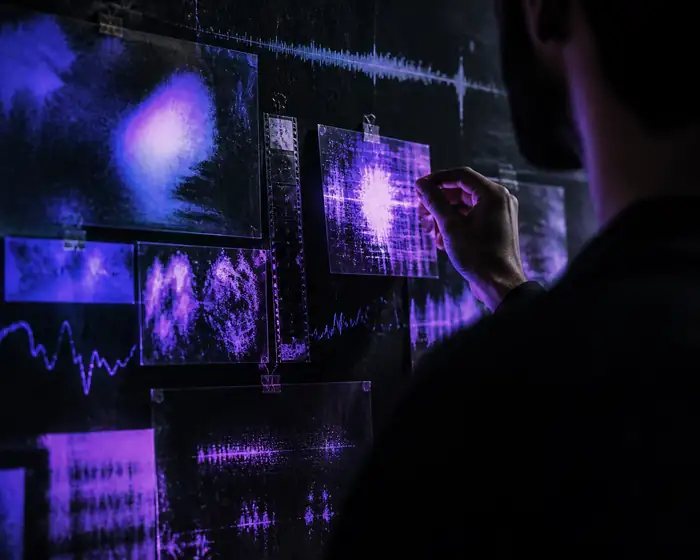
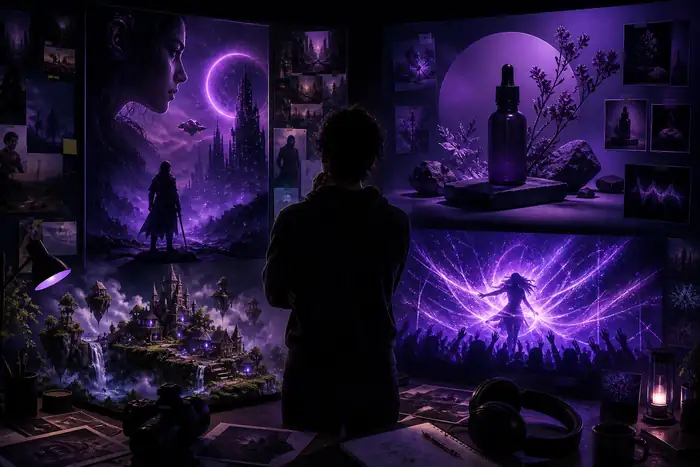
The goal is not to replace judgment with a single generated answer. It is to make the next creative choice visible: a color system, a camera feeling, a rhythm, a product role or a story beat.
C5 / planning signals
Use these planning numbers as a compact brief before opening the editor. They keep a creative idea grounded in the number of routes, outputs and decisions the audience actually needs.
Start with a prompt, product asset, still image, audio clip, rough script or reference frame.
Test changes in mood, pacing, framing, color and format while the original idea stays recognizable.
Choose the strongest route and carry it into a polished clip, campaign draft, lesson or music visual.
C10 / route calculator
Estimate how many content cuts a single creative direction can support when you are planning for more than one channel.
Adjust the number of destinations to see a practical first-pass estimate for a shared idea.
These answers focus on the practical questions that come up when creators browse popular tools or consider an AI music generator as part of a wider visual workflow.