The daily storyteller
Starts with a quick observation and needs a visual hook that can be shaped before the trend moves on.
See media io examplesShort-form workflow / TikTok
Media.io for TikTok helps creators turn a brief, image, or rough clip into a sharper vertical post. Build a hook, add motion, shape the sound, and keep the final frame ready for the feed. If your idea starts as words, the text to video workflow gives it a visual opening; if it starts as a still, image to video gives that frame movement.
Start creating for free
Make the first second count.
Who uses the workflow
TikTok creators already move quickly: find a premise, gather a visual, add a sound cue, and publish before the moment passes. Media.io helps each persona keep that familiar rhythm while making the output more deliberate.
Starts with a quick observation and needs a visual hook that can be shaped before the trend moves on.
See media io examplesTurns one product brief into several hooks, visual treatments, and vertical variants for testing.
Use the media io video editorHas a track or cover image and wants a rhythmic visual that feels native to a fast-moving feed.
Try audio to video for a visual hookNeeds repeatable intros, recurring characters, and a clear visual language across a run of posts.
Extend the idea with media io for youtubeWorkflow placement
Keep the parts of a TikTok workflow that already work for you. Media.io adds a connected creative pass between the rough input and the post you are ready to publish.
| Attribute | Usual handoff | Media.io slot |
|---|---|---|
| Starting point | Notes, screenshots, clips | Prompt, image, video, or audio |
| Hook development | Separate brainstorm | Visual variations in one pass |
| Vertical framing | Crop after editing | 9:16 direction from the start |
| Motion layer | Manual keyframes or presets | Animate a still or build a scene |
| Text and effects | Added after the rough cut | Hook, captions, and effects together |
| Sound direction | Matched at the end | Visual rhythm shaped around the track |
| Revision loop | Restart across several tools | Keep the next creative pass nearby |
Related routes
Choose the route that matches the asset in front of you, then bring the strongest result back into your short-form workflow.
media io for youtubeRepurpose a strong vertical concept into a longer channel-ready direction.
media io examplesBrowse practical visual starting points when the blank canvas feels slow.
media io video editorBring clips, effects, and finishing choices into a more focused edit.
media io ideasFind prompts for recurring formats, visual hooks, and music-led posts.
From input to post
The difference is not simply adding more effects. It is moving from an unshaped asset to a clear short-form direction with fewer disconnected decisions.
Describe the hook, mood, subject, audience, and action you want viewers to notice first.
Use a reference image, clip, or prompt to explore pacing, transitions, text placement, and visual emphasis.
Check the vertical crop, sound relationship, readable captions, and opening beat before exporting.
A practical short-form rhythm
Make each pass easier to publish.
Output planning
Use the simple planning widget to estimate how many short-form directions you can prepare from a weekly posting target. It is a pacing aid, not a promise about render time.
Weekly planning calculator
Calculation uses three directions per post and an illustrative 30-minute planning pass per post.
Visual handoff
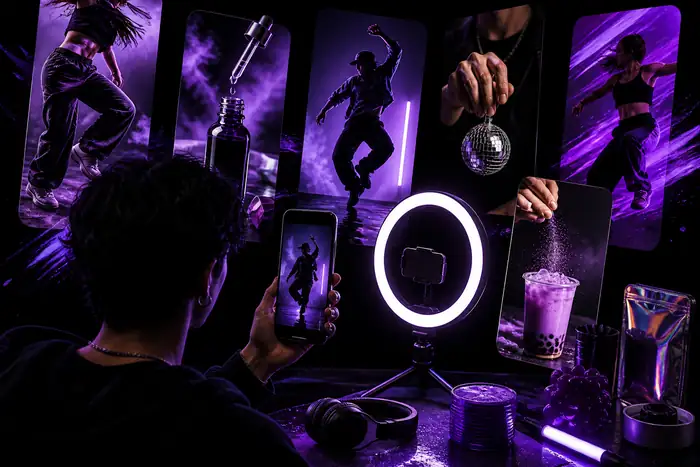
The useful change is a stronger visual decision: one subject, one opening beat, one readable direction for the viewer to follow.
Scenario FAQ