Make lessons easier to follow.
Turn a teaching outline into a visual sequence with chapter rhythm, supporting imagery and a clean presenter-led flow.
Build a lesson workflowYouTube channel workflow
Media.io for YouTube helps creators turn a recording, brief or rough visual idea into a clearer publishing system. Instead of treating every video as a fresh production, build a repeatable path for long-form episodes, Shorts, thumbnails and supporting visuals.
The scenario's pain
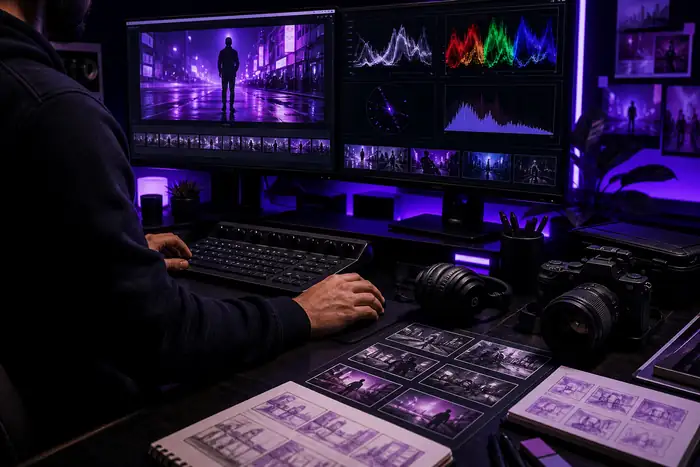
A YouTube channel rarely struggles because there is no idea. The friction appears after the idea: a script needs structure, a recording needs cleanup, a landscape edit needs vertical cutdowns, and the final package needs a thumbnail, title treatment and consistent visual language. Media.io gives that work a connected surface so the team can keep moving instead of exporting between disconnected tools.
Turn a teaching outline into a visual sequence with chapter rhythm, supporting imagery and a clean presenter-led flow.
Build a lesson workflowStart with a recording, find the strongest moments and shape them into a YouTube episode plus short promotional clips.
Explore audio-to-videoCreate vertical variations with a consistent hook, visual pace and recognizable channel identity across each short.
Shape short-form editsUse a rough prompt or reference frame to test an opening, a character, a scene or a visual package before you commit.
Try an AI video workflowChannel architecture
The best YouTube workflow is not one fixed template. It changes with the source material, the audience and the format you need to publish. This comparison shows where a connected Media.io pass can reduce handoffs.
| Channel need | Connected Media.io pass | Fragmented handoff |
|---|---|---|
| Long-form episode | Brief, structure and visual direction stay connected. | Script, edit and visual references move between tools. |
| Shorts cutdowns | Create portrait variations from the strongest source moments. | Each format requires a separate setup and export path. |
| Thumbnail direction | Explore a visual hook before finalizing the episode package. | The thumbnail is often designed after the creative decisions are done. |
| Audio-led content | Use voice, music or a recording as the starting asset. | Audio and visuals are planned in separate production queues. |
| Brand consistency | Reuse tone, color and motion cues across channel formats. | Style decisions are repeated manually for every upload. |
| Publishing rhythm | One source idea can support several planned deliverables. | More time is spent preparing assets than refining the story. |
Shape a full video around a clear opening, visual beats and a useful conclusion.
Move the same idea into vertical pacing without losing the channel's voice.
Develop thumbnails, title cards and supporting frames from one creative direction.
Planning widget
Use the slider as a simple planning model. A longer source can support more cutdowns, more visual tests and a larger publishing package without starting from zero each time.
Source calculator
How much can one recording carry?
A directional estimate for planning a connected workflow, not a storage or production quote.
How it works
Keep the channel moving with three deliberate passes instead of one oversized editing session.
Start with a prompt, recording, image, script direction or existing episode. The source does not need to be polished.
Develop the story rhythm, visual treatment and format variations that make the video recognizable in a busy feed.
Check the opening, captions, framing, rights and final dimensions before sending the finished assets to YouTube.
Example output
A connected Media.io workflow helps you think beyond the single upload and plan the useful assets around it.
Final review
Strong channel production also means making careful decisions about what is shown, heard and claimed. Use the final pass to keep the output clear for viewers and appropriate for your publishing context.
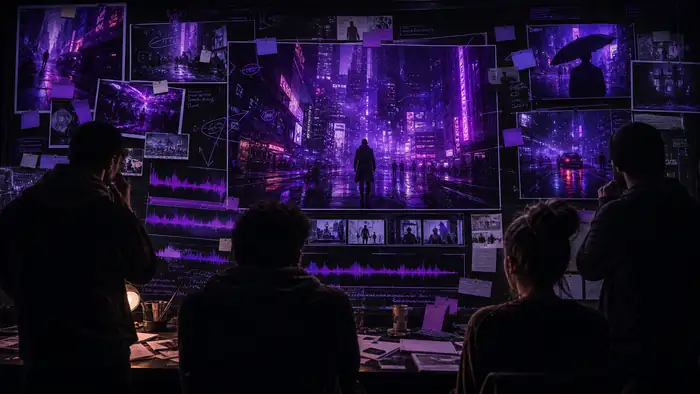 Before / draft frame
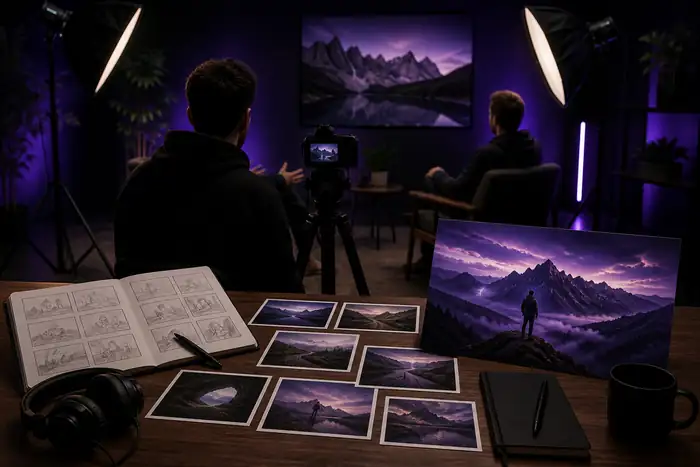 After / reviewed package
Keep sponsored claims, reused footage, music licenses, faces and third-party logos in view during review. For channel teams, a quick checklist before upload is as valuable as the creative pass itself.
Confirm that music, footage, images and voices are cleared for the intended use.
Review captions, contrast, pacing and visual context so the story survives without sound.
Check names, numbers, product details and AI-generated details before the video goes live.
Scenario FAQ
Use Media.io when your channel needs a faster way to move from source material to a coherent set of publishable visuals.